MindMapVault MMV

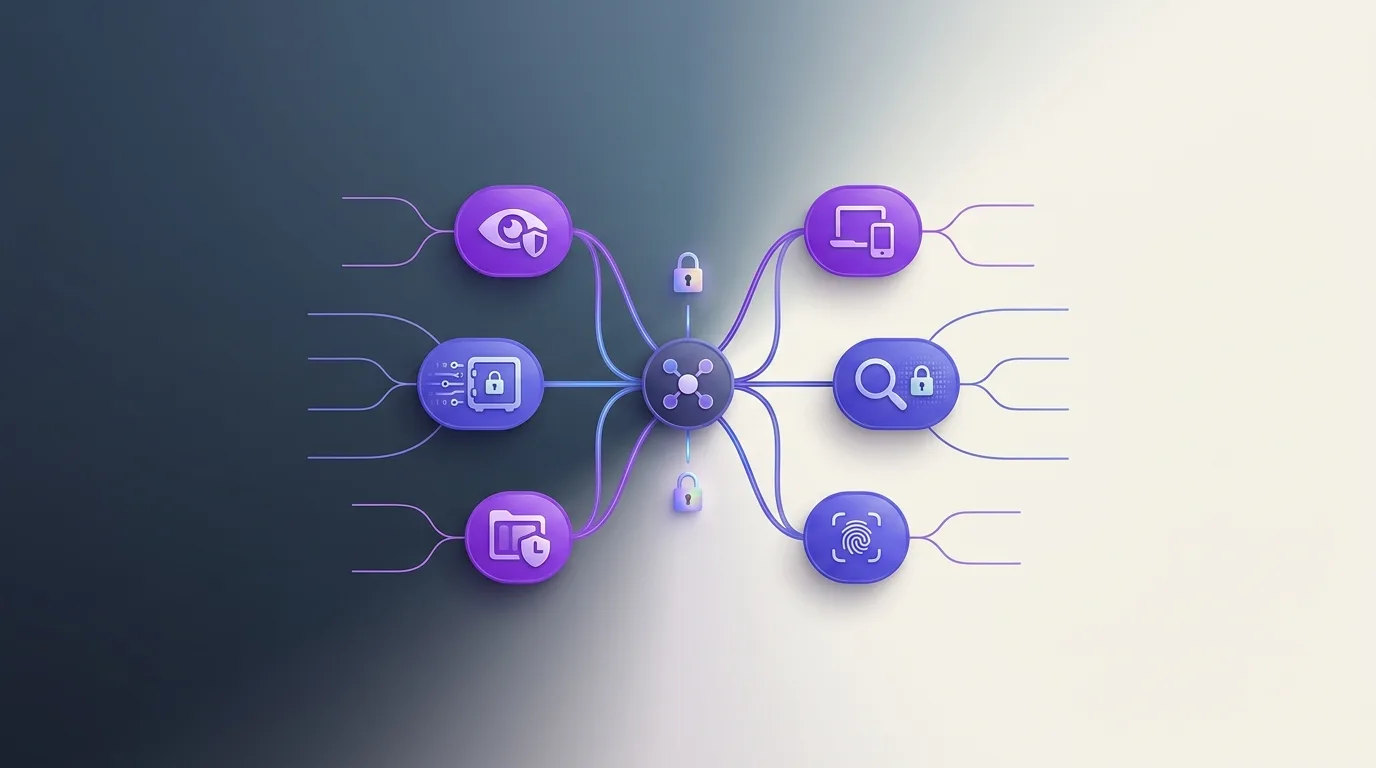
Private app evaluation criteria displayed as a hierarchical mind map with checklist

What to Look for in a Private Note App

If you are choosing a private note app, do not focus only on nice security language or prominent certifications. More important is whether the product can explain its trust model clearly and whether that explanation actually matches the architecture.

The most important criteria

  • Does encryption happen on the client?
  • Can the provider decrypt or reset content?
  • Is there a local mode, or only hosted storage?
  • How openly does the product talk about recovery, support, and limits?
  • Are sensitive contents protected consistently across text, mind maps, and attachments?

What people often overlook

Many users compare price, editor features, and integrations, but not the plaintext model. That is exactly where you find out whether an app only looks privacy-friendly or is actually built to support private thinking.

A good choice is usually a sober one

The best private tool is not automatically the one with the most features. It is more often the product whose architecture matches your needs and whose uncomfortable truths are not hidden in the fine print.

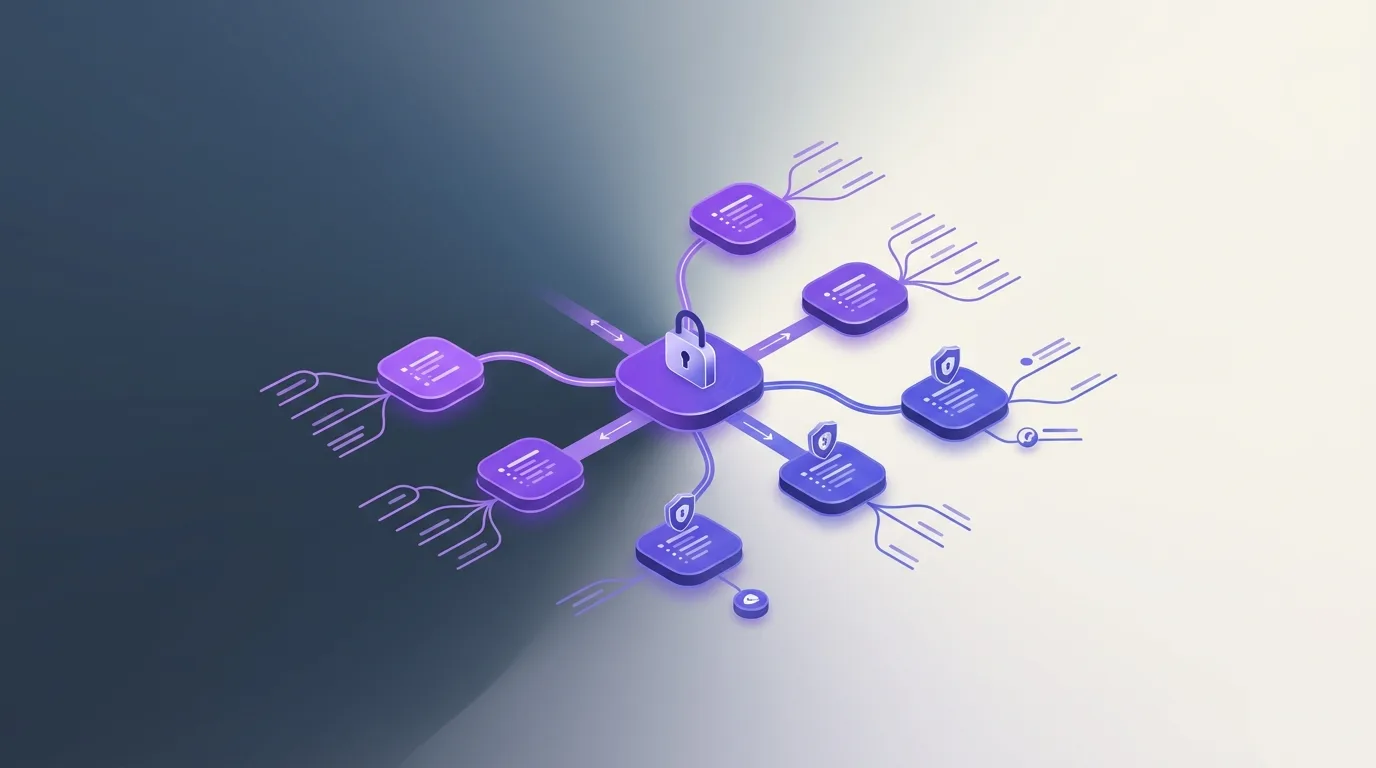
8 Critical Architecture Questions

  1. Where is data stored? (Good: Local/Your Cloud. Red Flag: Their proprietary server only.)
  2. Who holds the keys? (Good: You. Red Flag: The provider.)
  3. Is there a web app? (Good: No, or E2EE in-browser. Red Flag: Centralized web app that sees your plaintext.)
  4. Open formats? (Good: Markdown/JSON. Red Flag: Proprietary binary formats.)
  5. Sync method? (Good: P2P or E2EE. Red Flag: Unencrypted cloud sync.)
  6. Open Source? (Good: Yes. Red Flag: Closed source 'Trust us'.)
  7. Offline access? (Good: Full functionality. Red Flag: Requires login to view notes.)
  8. Export capability? (Good: Bulk export anytime. Red Flag: Data silos.)

What people often overlook

People often focus on features like 'tags' or 'folders' while ignoring the 'Export' button. If you can't get your data out in a readable format, you don't own it—you're just renting space in someone else's database.

Practical evaluation checklist

  • Can I use the app entirely offline?
  • Does the privacy policy explicitly state they cannot read my notes?
  • Is there a clear community or company track record of respecting privacy?

8 Critical Architecture Questions

  1. Where is data stored? (Good: Local/Your Cloud. Red Flag: Their proprietary server only.)
  2. Who holds the keys? (Good: You. Red Flag: The provider.)
  3. Is there a web app? (Good: No, or E2EE in-browser. Red Flag: Centralized web app that sees your plaintext.)
  4. Open formats? (Good: Markdown/JSON. Red Flag: Proprietary binary formats.)
  5. Sync method? (Good: P2P or E2EE. Red Flag: Unencrypted cloud sync.)
  6. Open Source? (Good: Yes. Red Flag: Closed source 'Trust us'.)
  7. Offline access? (Good: Full functionality. Red Flag: Requires login to view notes.)
  8. Export capability? (Good: Bulk export anytime. Red Flag: Data silos.)

What people often overlook

People often focus on features like 'tags' or 'folders' while ignoring the 'Export' button. If you can't get your data out in a readable format, you don't own it—you're just renting space in someone else's database.

Practical evaluation checklist

  • Can I use the app entirely offline?
  • Does the privacy policy explicitly state they cannot read my notes?
  • Is there a clear community or company track record of respecting privacy?

8 Critical Architecture Questions

  1. Where is data stored? (Good: Local/Your Cloud. Red Flag: Their proprietary server only.)
  2. Who holds the keys? (Good: You. Red Flag: The provider.)
  3. Is there a web app? (Good: No, or E2EE in-browser. Red Flag: Centralized web app that sees your plaintext.)
  4. Open formats? (Good: Markdown/JSON. Red Flag: Proprietary binary formats.)
  5. Sync method? (Good: P2P or E2EE. Red Flag: Unencrypted cloud sync.)
  6. Open Source? (Good: Yes. Red Flag: Closed source 'Trust us'.)
  7. Offline access? (Good: Full functionality. Red Flag: Requires login to view notes.)
  8. Export capability? (Good: Bulk export anytime. Red Flag: Data silos.)

What people often overlook

People often focus on features like 'tags' or 'folders' while ignoring the 'Export' button. If you can't get your data out in a readable format, you don't own it—you're just renting space in someone else's database.

Practical evaluation checklist

  • Can I use the app entirely offline?
  • Does the privacy policy explicitly state they cannot read my notes?
  • Is there a clear community or company track record of respecting privacy?