Mindmap Online
If you need a mindmap online workflow for sensitive thinking, the key requirement is explicit trust boundaries. MindMapVault keeps encryption client-side and supports local-first usage so your map structure and notes are not exposed by default. You can create mind maps online while keeping control over where data lives.
Key Features
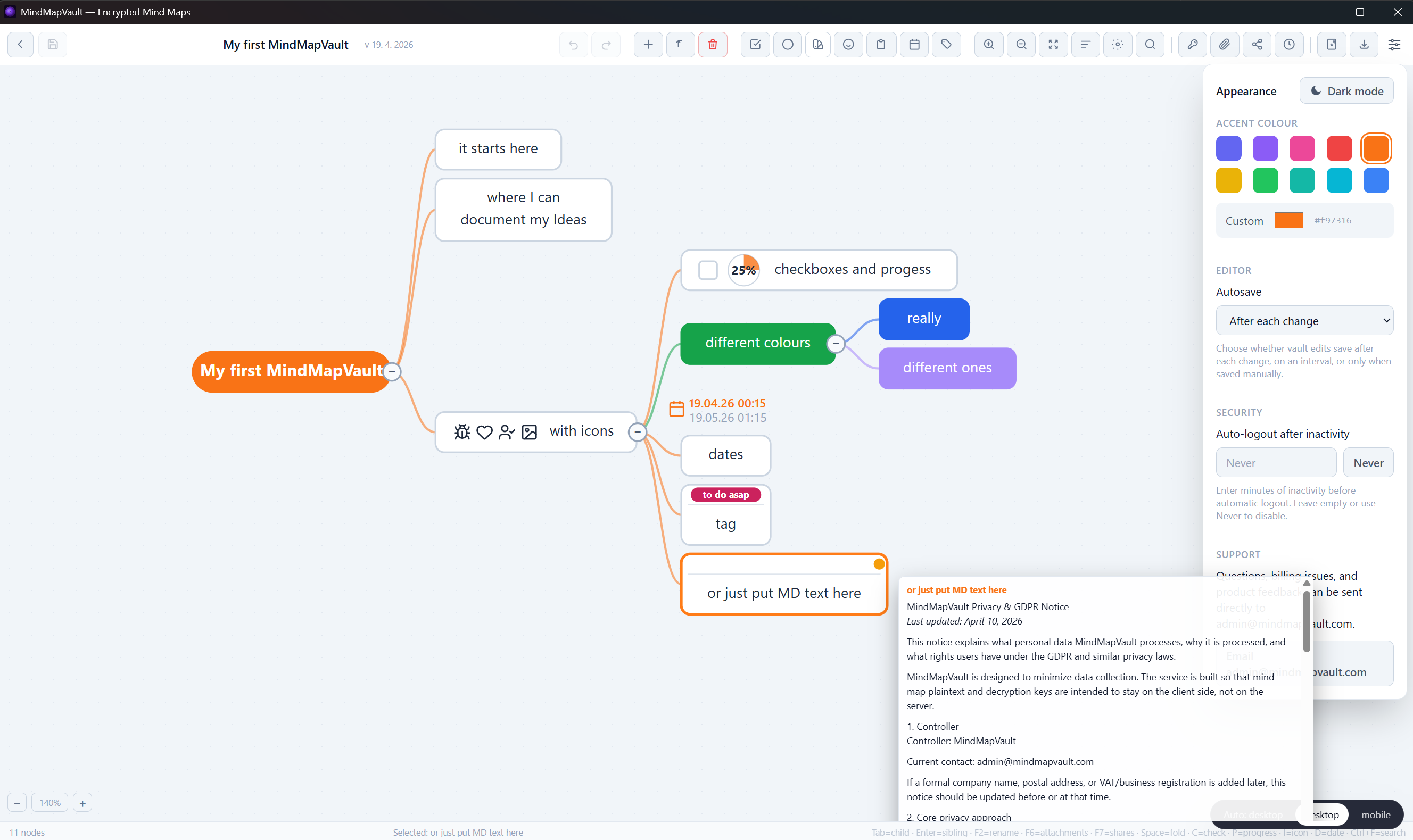
- Zero-knowledge style model with client-side encryption for map content.
- Local-first operation with no forced cloud sync.
- No login required for local usage paths.
- Encrypted storage for node content and map relationships.
- Clear separation between app telemetry signals and content payloads.
- Offline-capable workflow for private drafting and planning.
Why MindMapVault
- Privacy-first architecture: decryption stays on your side.
- No hidden admin-read path in the core trust model.
- Works for both quick brainstorming and sensitive technical planning.
- Predictable data boundaries with explicit retention expectations.
- Designed for users who want an online mind map interface without default cloud exposure.
How it works
- Open the app and start a new map.
- Add nodes, links, and notes in the editor.
- Encryption is applied on the client before persistence.
- Keep maps local or choose sync only when you explicitly want it.
Mindmap online trust checklist
- Confirm whether the provider can read stored maps.
- Verify that encryption and decryption are client-side.
- Check whether offline/local mode is available without account lock-in.
- Validate retention and logging boundaries before storing sensitive content.
Start a private workflow
Use MindMapVault when you need to create mind maps online with strict privacy boundaries, local control, and encrypted storage by default.
- Open the app and start mapping now: MindMapVault Download
- Try the interactive FOSS demo used in presentations: MindMapVault FOSS Demo
FAQ
Is this a cloud-only mindmap online tool?
No. MindMapVault supports local-first usage and does not require forced cloud storage for core mapping workflows.
Can I create mind maps online without giving up privacy?
Yes, if encryption boundaries are explicit and client-side. MindMapVault is designed around that model.
Do I need an account to start?
For local/offline paths, no-login usage is supported.
What is the difference between an online mind map and private local mapping?
An online mind map interface can still be privacy-first if content remains encrypted and under user-controlled storage boundaries.