Mind Map Online Free
A mind map online free workflow is only trustworthy when the data boundary is explicit. MindMapVault keeps encryption client-side and supports local-first usage, so map content is not provider-readable by default. You can create mind maps online for free while staying in control of storage and access.
Key Features
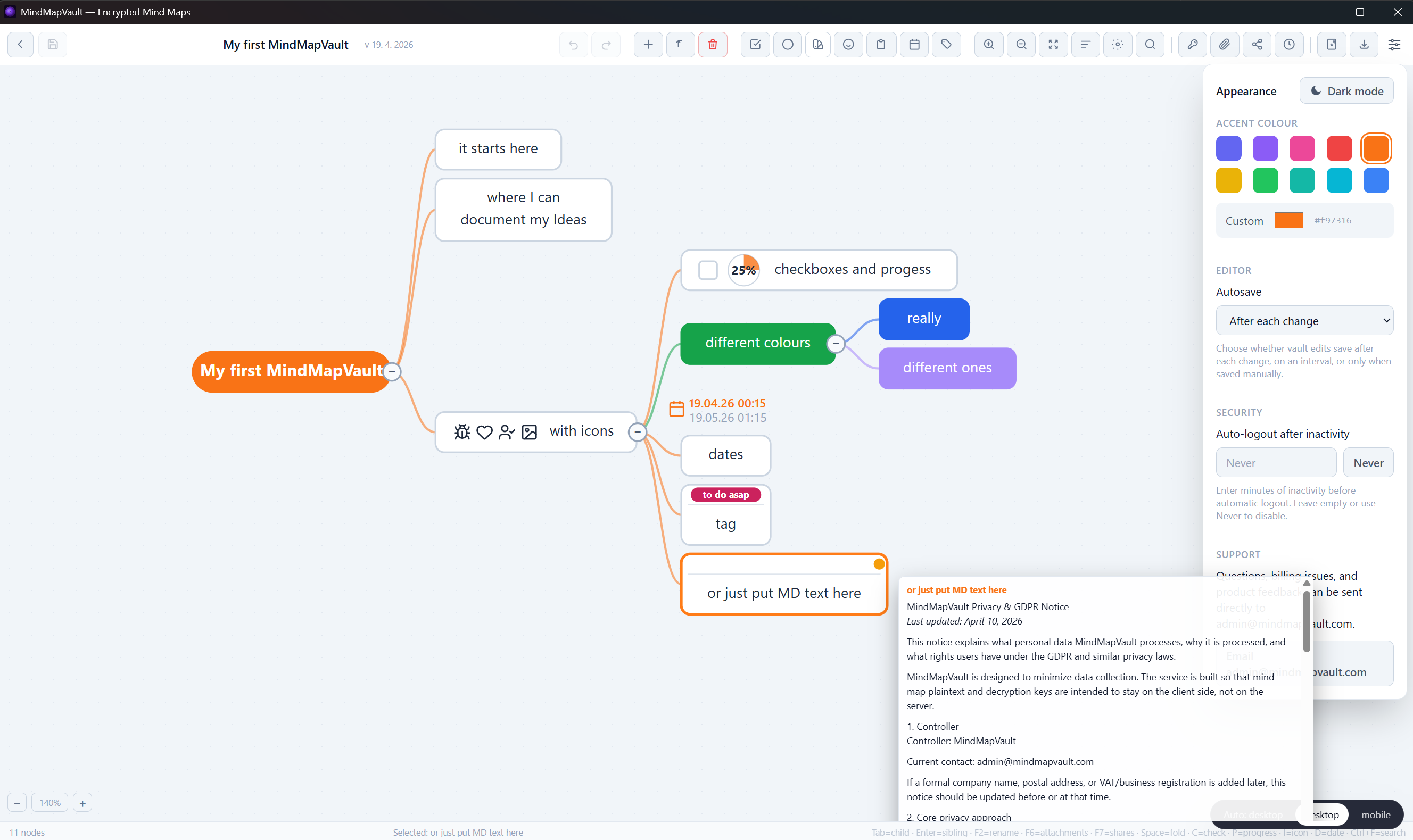
- Client-side encryption for nodes, links, and notes.
- Local-first operation with no forced cloud dependency.
- No-login path for private local use.
- Offline-capable editing for planning and research.
- Clear retention and trust-boundary model.
- Portable map structure for long-term ownership.
Why MindMapVault
- Built for privacy-first mapping, not content harvesting.
- Decryption remains on the client in the core workflow.
- No hidden admin-read path for local encrypted content.
- Suitable for sensitive technical and personal mapping use.
- Works as a free online mind map approach with explicit data control.
How it works
- Open the app and create a new map.
- Add branches, nodes, and notes in the canvas.
- Content is encrypted before persistence on your side.
- Keep maps local or enable sync only when you explicitly choose it.
Mind map online free trust checklist
- Can the provider read stored maps?
- Is decryption strictly client-side?
- Can you use the app without mandatory login?
- Is there a local/offline mode without forced cloud sync?
- Are retention and logging boundaries documented clearly?
Start with private mapping
If you need a mind map online free setup, choose a workflow with explicit encryption boundaries and local control.
- Start now: Open MindMapVault download
- Try the interactive FOSS demo used in presentations: MindMapVault FOSS Demo
FAQ
Is this a cloud-only mind map online free tool?
No. MindMapVault supports local-first usage and does not require forced cloud storage for core mapping workflows.
Can I create mind maps online for free without sharing readable content?
Yes. The core model is client-side encryption with user-controlled storage boundaries.
Do I need an account to begin?
No. Local usage paths work without mandatory login.
What makes this different from generic free tools?
The focus is explicit trust boundaries, zero-knowledge style architecture, and encrypted local-first operation.