MindMapVault MMV

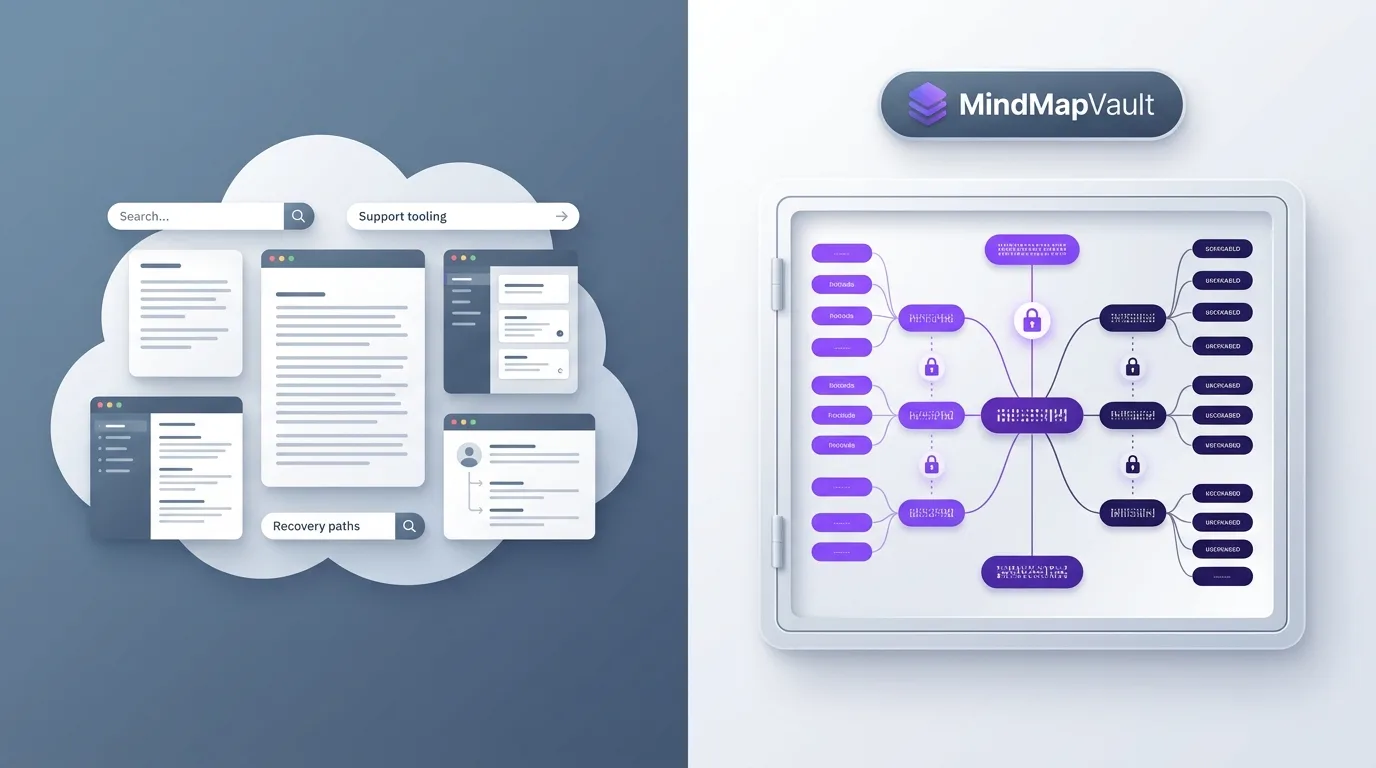
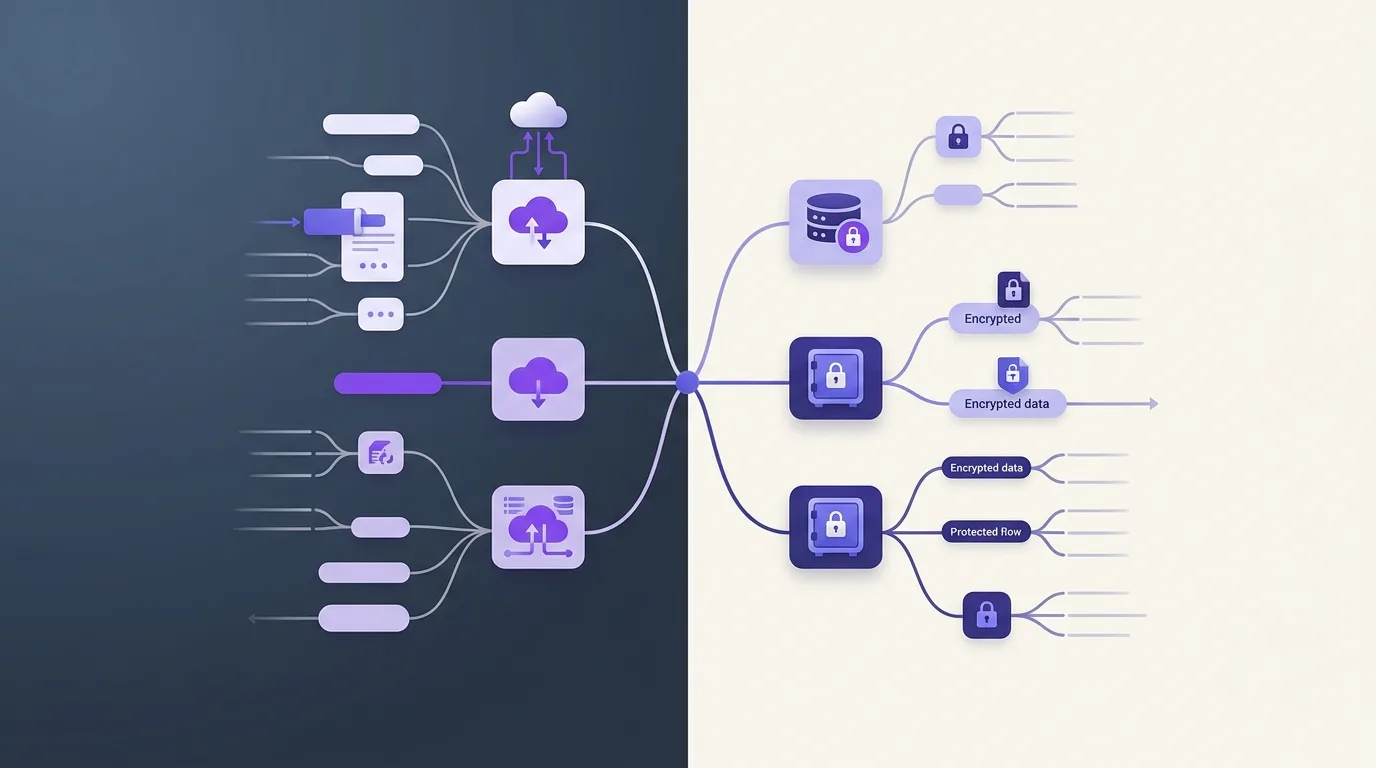
Comparison of cloud sync versus local vault storage options as decision paths

Choosing Between Cloud Sync and Local Vaults

Many people are not choosing between a good product and a bad one. They are choosing between two legitimate operating models. Hosted encrypted sync can be very practical. A local vault can offer more direct control. The right choice depends on what you actually need.

When cloud sync makes sense

Cloud sync is useful if you work across multiple devices, want your content available wherever you are, and need a consistent experience across web and desktop. If encryption happens on the client and the trust model is implemented cleanly, that can be a very reasonable middle ground.

When a local vault fits better

A local vault is stronger when you want to minimize dependence on the provider or intentionally keep content only inside your own environment. That is often the better fit for research, sensitive drafts, or very private planning.

Making the decision cleanly

Do not ask only what is more convenient. Ask what risks you are trying to reduce and which responsibilities you are willing to take on yourself. That makes it much clearer whether encrypted cloud sync or a local vault is the better fit.

Understanding the difference

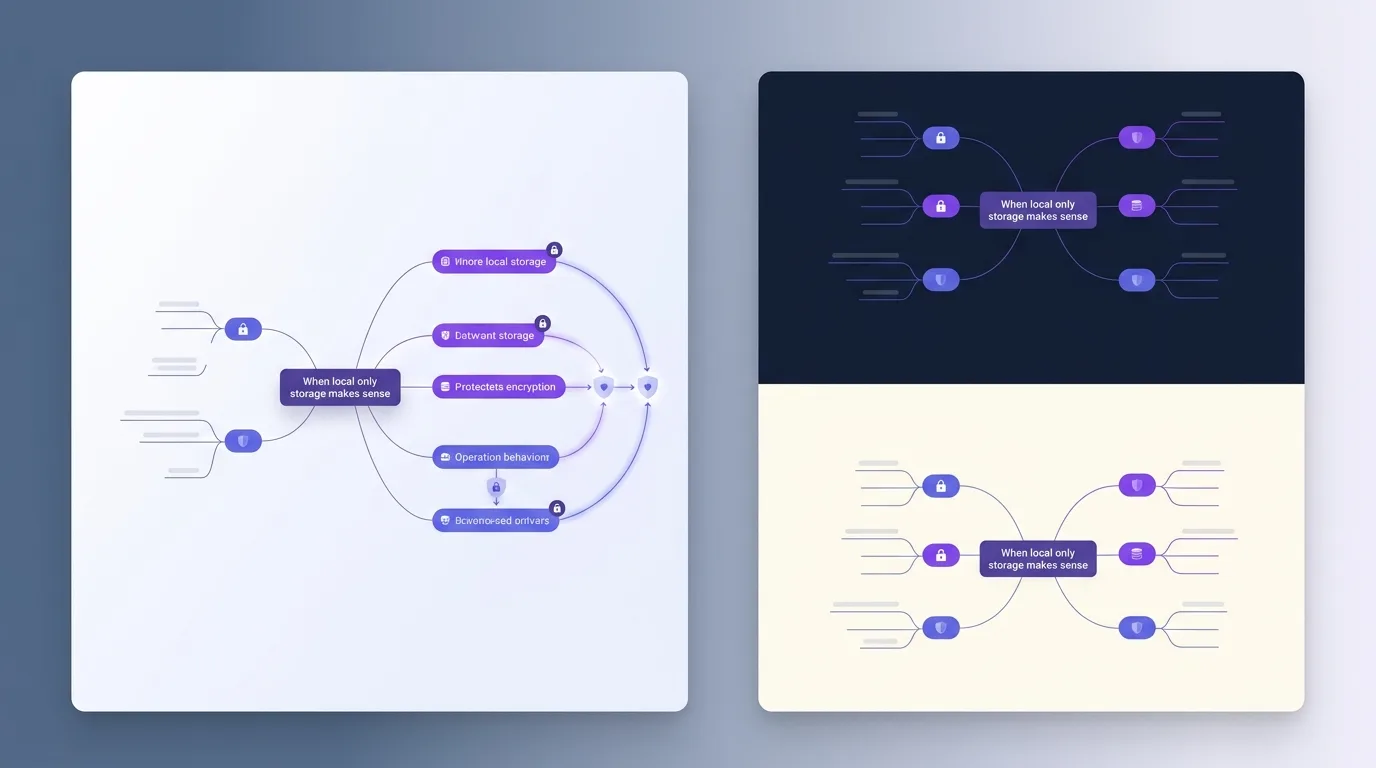
Cloud sync automates data distribution across devices via a central server. Local vaults keep data on your disk, giving you control over if and how that data moves between machines.

When cloud sync makes sense

  • You frequently switch between desktop, tablet, and mobile.
  • You want to collaborate with others in real-time.
  • You don't want to manage manual backups.
  • You have a reliable internet connection.
  • You trust the E2EE implementation of the provider.
  • You value convenience over absolute isolation.

When a local vault fits better

  • You want absolute 'air-gapped' security for sensitive data.
  • You want to use your own sync solution (like Syncthing or a private NAS).
  • You want to keep your data footprint off the public internet.
  • You want to ensure access even during major internet outages.
  • You are managing very large files (GBs) that are slow to sync via cloud.
  • You want to ensure your data exists in a standard format (like Markdown) on your disk.

Comparing the two in detail

Feature Cloud Sync Local Vaults
Convenience High Moderate
Privacy Dependent on E2EE Absolute
Complexity Low High (DIY Sync)
Ownership Shared Total

Decision framework

  1. How many devices do I need my notes on?
  2. Am I comfortable with my data being on a third-party server, even if encrypted?
  3. Do I have the technical skill to manage my own backups?
  4. Is my primary work environment always online?
  5. Do I need to collaborate frequently?
  6. What is the 'cost' to me if the cloud provider disappears tomorrow?

Understanding the difference

Cloud sync automates data distribution across devices via a central server. Local vaults keep data on your disk, giving you control over if and how that data moves between machines.

When cloud sync makes sense

  • You frequently switch between desktop, tablet, and mobile.
  • You want to collaborate with others in real-time.
  • You don't want to manage manual backups.
  • You have a reliable internet connection.
  • You trust the E2EE implementation of the provider.
  • You value convenience over absolute isolation.

When a local vault fits better

  • You want absolute 'air-gapped' security for sensitive data.
  • You want to use your own sync solution (like Syncthing or a private NAS).
  • You want to keep your data footprint off the public internet.
  • You want to ensure access even during major internet outages.
  • You are managing very large files (GBs) that are slow to sync via cloud.
  • You want to ensure your data exists in a standard format (like Markdown) on your disk.

Comparing the two in detail

Feature Cloud Sync Local Vaults
Convenience High Moderate
Privacy Dependent on E2EE Absolute
Complexity Low High (DIY Sync)
Ownership Shared Total

Decision framework

  1. How many devices do I need my notes on?
  2. Am I comfortable with my data being on a third-party server, even if encrypted?
  3. Do I have the technical skill to manage my own backups?
  4. Is my primary work environment always online?
  5. Do I need to collaborate frequently?
  6. What is the 'cost' to me if the cloud provider disappears tomorrow?

Understanding the difference

Cloud sync automates data distribution across devices via a central server. Local vaults keep data on your disk, giving you control over if and how that data moves between machines.

When cloud sync makes sense

  • You frequently switch between desktop, tablet, and mobile.
  • You want to collaborate with others in real-time.
  • You don't want to manage manual backups.
  • You have a reliable internet connection.
  • You trust the E2EE implementation of the provider.
  • You value convenience over absolute isolation.

When a local vault fits better

  • You want absolute 'air-gapped' security for sensitive data.
  • You want to use your own sync solution (like Syncthing or a private NAS).
  • You want to keep your data footprint off the public internet.
  • You want to ensure access even during major internet outages.
  • You are managing very large files (GBs) that are slow to sync via cloud.
  • You want to ensure your data exists in a standard format (like Markdown) on your disk.

Comparing the two in detail

Feature Cloud Sync Local Vaults
Convenience High Moderate
Privacy Dependent on E2EE Absolute
Complexity Low High (DIY Sync)
Ownership Shared Total

Decision framework

  1. How many devices do I need my notes on?
  2. Am I comfortable with my data being on a third-party server, even if encrypted?
  3. Do I have the technical skill to manage my own backups?
  4. Is my primary work environment always online?
  5. Do I need to collaborate frequently?
  6. What is the 'cost' to me if the cloud provider disappears tomorrow?