MindMapVault MMV

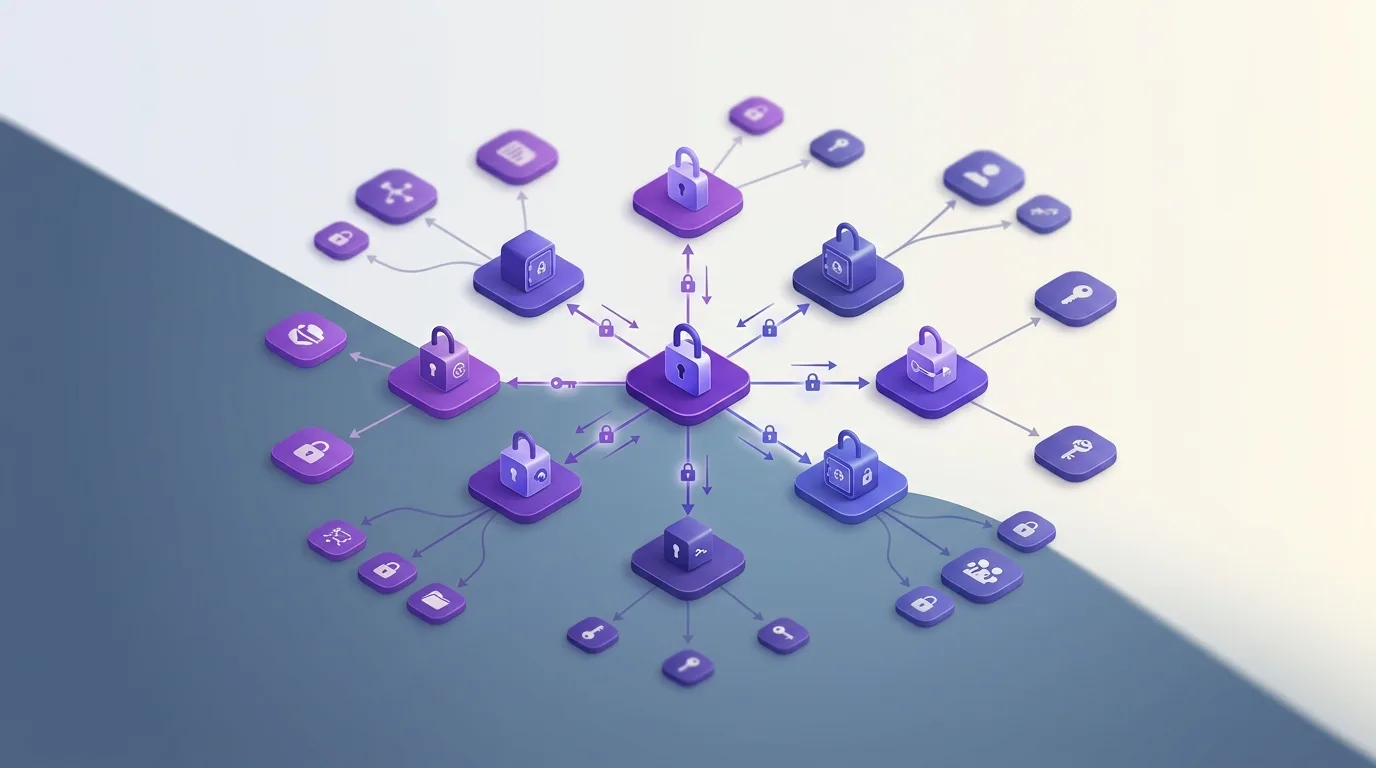
Encryption flow diagram showing end-to-end encryption endpoints with visible metadata throughout

Is End-to-End Encryption Enough for Notes?

End-to-end encryption matters, but it does not automatically answer every security question around a notes product. The term sounds strong, but in practice it can be implemented in different ways. That is why it is worth looking more closely at what is actually protected end to end and where access or metadata risks still remain.

Where E2EE helps

E2EE is strong when content is encrypted on the sender side and only decrypted on the recipient side. That reduces the service's plaintext access significantly. For messaging, that is often the decisive security boundary.

Why notes products can be more complicated

Notes and mind mapping products often have different requirements: search, sync, recovery, file attachments, versioning, or collaborative features. Every extra convenience can affect how strict the actual access boundaries remain.

The sensible conclusion

E2EE is a strong signal, but not a free pass. For private notes, you should also examine how keys are managed, which metadata remains visible, and whether the product can really function without server-side reading access when it matters.

Why notes products are fundamentally different from messaging

Messaging apps (like Signal) handle transient data that is deleted after delivery. Notes apps deal with long-term, 'at-rest' storage. This means the encryption must survive for years, handle complex syncing of large databases, and remain accessible even if you lose a specific device.

How convenience defeats E2EE in notes apps

Most E2EE apps struggle with search because the server can't index encrypted text. If an app offers fast server-side search, it's likely not fully E2EE.

Sharing

Collaborative editing requires complex key-exchange mechanisms. Many apps take shortcuts here that weaken the 'end-to-end' promise.

Recovery

Users hate losing data. To prevent this, apps often 'helpfully' back up keys to their own servers, effectively nullifying E2EE.

Attachments

Large files like PDFs and images are often stored differently than text. Ensure these are also covered by the same encryption standards.

Sensible questions to ask checklist

  • Does the app perform encryption on the device before uploading?
  • Is search performed locally on my device?
  • Are my file attachments encrypted with the same keys as my notes?
  • What happens if I lose my password? (If they can recover it without a recovery key you stored, it's not E2EE.)

Why notes products are fundamentally different from messaging

Messaging apps (like Signal) handle transient data that is deleted after delivery. Notes apps deal with long-term, 'at-rest' storage. This means the encryption must survive for years, handle complex syncing of large databases, and remain accessible even if you lose a specific device.

How convenience defeats E2EE in notes apps

Most E2EE apps struggle with search because the server can't index encrypted text. If an app offers fast server-side search, it's likely not fully E2EE.

Sharing

Collaborative editing requires complex key-exchange mechanisms. Many apps take shortcuts here that weaken the 'end-to-end' promise.

Recovery

Users hate losing data. To prevent this, apps often 'helpfully' back up keys to their own servers, effectively nullifying E2EE.

Attachments

Large files like PDFs and images are often stored differently than text. Ensure these are also covered by the same encryption standards.

Sensible questions to ask checklist

  • Does the app perform encryption on the device before uploading?
  • Is search performed locally on my device?
  • Are my file attachments encrypted with the same keys as my notes?
  • What happens if I lose my password? (If they can recover it without a recovery key you stored, it's not E2EE.)

Why notes products are fundamentally different from messaging

Messaging apps (like Signal) handle transient data that is deleted after delivery. Notes apps deal with long-term, 'at-rest' storage. This means the encryption must survive for years, handle complex syncing of large databases, and remain accessible even if you lose a specific device.

How convenience defeats E2EE in notes apps

Most E2EE apps struggle with search because the server can't index encrypted text. If an app offers fast server-side search, it's likely not fully E2EE.

Sharing

Collaborative editing requires complex key-exchange mechanisms. Many apps take shortcuts here that weaken the 'end-to-end' promise.

Recovery

Users hate losing data. To prevent this, apps often 'helpfully' back up keys to their own servers, effectively nullifying E2EE.

Attachments

Large files like PDFs and images are often stored differently than text. Ensure these are also covered by the same encryption standards.

Sensible questions to ask checklist

  • Does the app perform encryption on the device before uploading?
  • Is search performed locally on my device?
  • Are my file attachments encrypted with the same keys as my notes?
  • What happens if I lose my password? (If they can recover it without a recovery key you stored, it's not E2EE.)